



Tesorcasino App Mobile
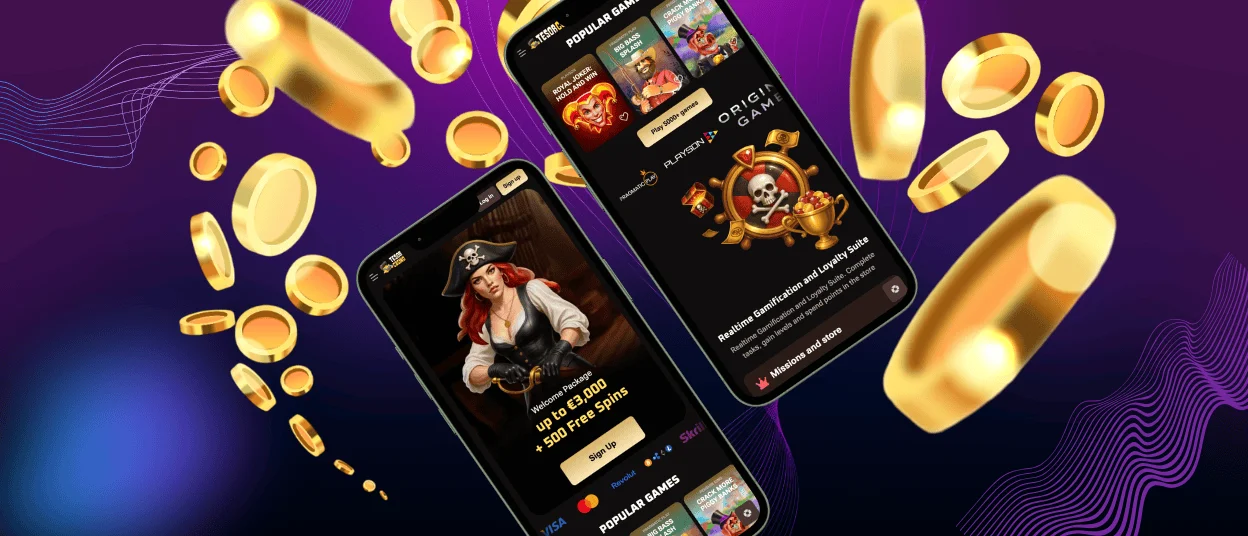
Online players can access our casino through the special Tesorcasino app for mobile devices. The app is available for Android and iOS users via the web interface. Players can use the entire game library from their smartphones or tablets. The interface is adapted for mobile screens and is easy to navigate through all sections.



Tesorcasino App Mobile
All the features of our platform are available on the Tesorcasino app. Users can easily log in to the system via the app with just a couple of clicks. In our mobile software, you can top up your account and request withdrawals in exactly the same way as in the PC version. Our users receive a welcome package and can use all bonuses on any device. All game categories are available through the Tesorcasino mobile software: online slots, table games, live dealer games, and crash games. Players can manage their account settings and contact customer support at any time.
The same features are available on the PC version of our website. Both versions provide identical access to all platform functionality. The Tesorcasino interface adapts to any device and supports a stable gaming experience.
| Section | Mobile Version | PC Version |
| Devices | Mobile devices | Desktop or laptop computer |
| Operating Systems | Android and iOS | Windows and Mac |
| Access Method | Mobile browser or installed PWA | Desktop browser or desktop shortcut |
| Interface | Touchscreen-optimized layout | Full-screen layout for larger displays |
| Navigation | Simplified menu for small screens | Extended menu with full visibility |
| Installation | One-click install from the browser | Optional shortcut creation on the desktop |
| Account Management | Profile settings and security tools | Profile settings and security tools |
| Responsible Gaming | All tools available | All tools available |
| Updates | Automatic background updates | Automatic background updates |
Tesorcasino App – iOS
We have configured the Tesorcasino app for iOS specifically for iPhone and iPad devices. The app works directly through the Safari browser as a web application. There is no need to download files from the App Store. This method provides quick access to all games and platform features. With our web app, you can receive notifications about important events on the platform. Players can receive notifications about promotions, tournaments, and new releases. After installation, the Tesorcasino icon appears on the home screen for direct access to the casino.
How to install the Tesorcasino app on iOS:
- First, you need to open the Tesorcasino website in Safari.
- After that, you should tap the “Share” icon at the bottom.
- Then select “Add to Home Screen” and confirm “Add”.
The Tesorcasino app will appear on your home screen and is ready to use.
Tesorcasino App – Android
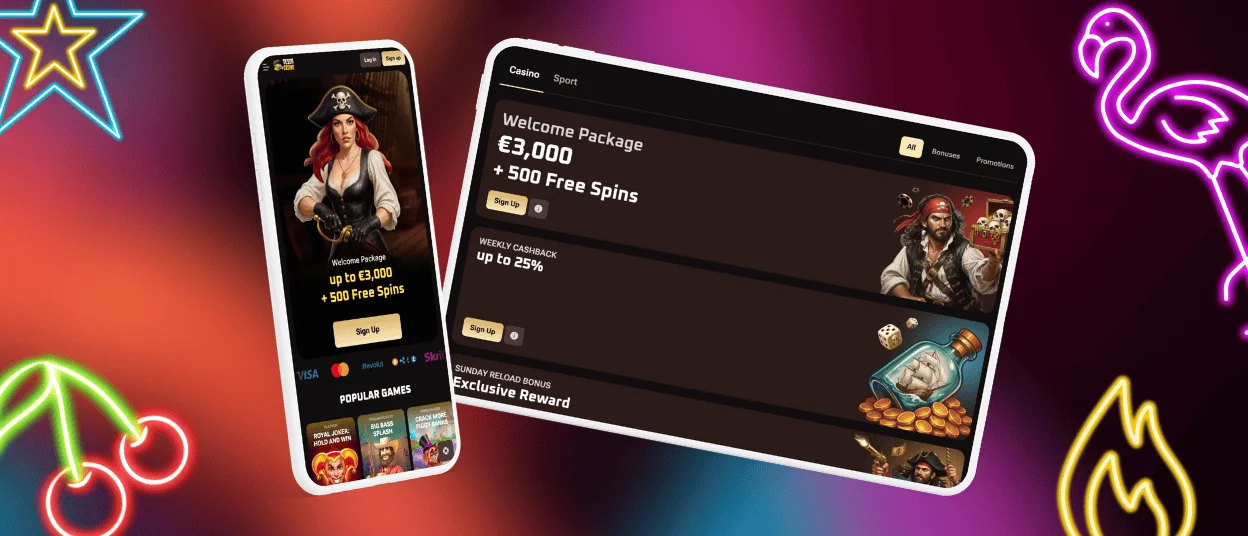
The Tesorcasino app is available for all Android devices. The mobile version provides access to all games, payment options, and account settings. All features work the same as in the desktop version. The interface adapts to Android screens for stable performance during gameplay.
Tesor Casino APK
We do not require a separate APK file. Tesorcasino uses the modern Progressive Web App (PWA) solution. This technology allows players to install the application directly from their browser. PWA updates automatically and does not require manual downloading. This supports secure access and high download speeds.
Players can install the app with a single click from their browser. After installation, the icon will appear on the home screen. The app is then ready for quick access at any time.
Tesor Casino App – Desktop and Supported Browsers
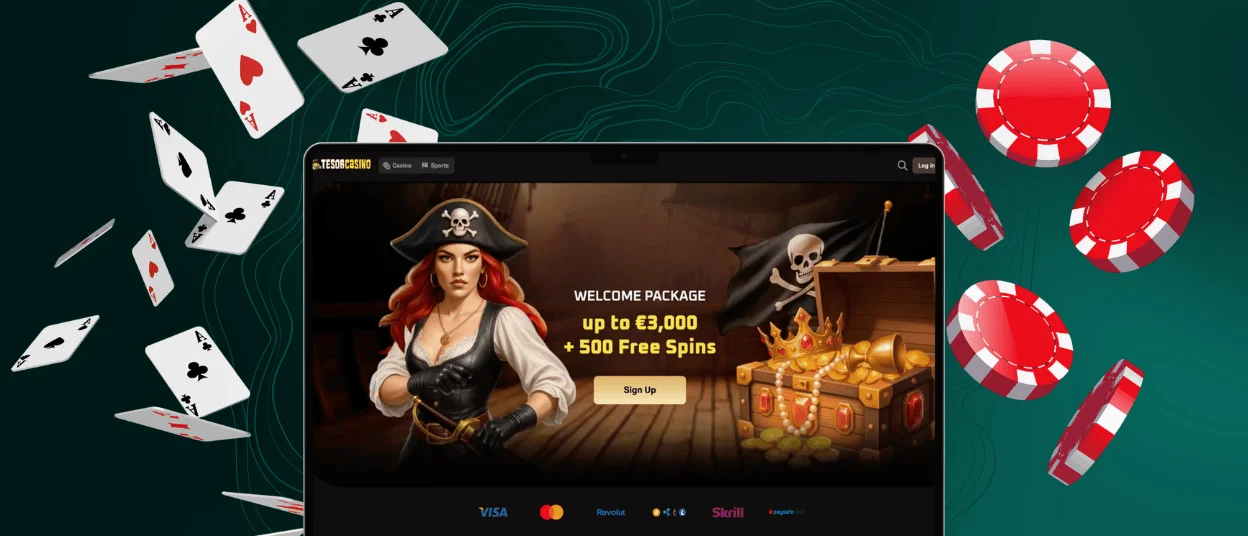
The Tesorcasino app is available on desktop computers without any complicated installation. Users can play on the platform on Windows and Mac devices via the web interface. The desktop version works in supported browsers and provides full functionality. Users can also create a shortcut on their desktop for one-click access. This shortcut opens the mobile casino as a separate web application.
The interface adapts to large screens for those who like to play games on large screens. Players have full access to all games and bonuses. The Tesor Casino desktop version offers account management tools, the verification process, and all other tools.
Tesorcasino is supported by major browsers such as Google Chrome, Mozilla Firefox, Safari, and Microsoft Edge. The platform operates securely over HTTPS with valid TLS certificates.
FAQ
How Do I Fix Loading or Connection Issues in the App?
If the Tesorcasino app isn’t launching, you should check your internet connection. You can then try reloading the site or restarting the browser. It might also help to clear the browser cache. You can also try logging out and back in. Call our support team for help if the difficulties keep happening.
Where Can I Download the Tesorcasino App From a Trustworthy Source?
The Tesorcasino app does not require a separate download. It is a web-based Progressive Web App (PWA) that can be installed from the Tesorcasino website. So you download from a trusted source without installing APK files.
Does the App Use the Same Security Measures as the Website?
Yes, the Tesorcasino app uses the same security measures as the website. Since this is a web application, it has the same features as the browser version. The application supports all the same security measures as the browser. All data is protected with TLS 1.3 encryption and 256-bit AES protocols. Payments are PCI-DSS compliant, and two-factor authentication is available. Regular audits and secure software practices ensure safe gameplay.
How Can I Contact Support Within the App?
Players can contact Tesorcasino support via live chat in the app. Live chat is available through the main menu, and email requests can be submitted through the support section. The app provides the same 24/7 customer service as the desktop platform.


